Showing posts with label Redis. Show all posts
Showing posts with label Redis. Show all posts
Tuesday, June 28, 2016
How to count Page Views using Redis? | Max View Counter using Redis

In this short tutorial I'm gonna talking about how you can count No of page views or Article Views in your Blog using Redis. You can ask why using Redis? Because Redis will keep the data in session so that no need of storing the data in Database or View Counts.
So Let's start the session:
1. Let''s define the Route first:
Routes.php
2. Let's define the UserController@PageViewRoute::get('/article/{id}', ['uses'=>'UserController@pageView','as'=>'page']);
UserController.php
public function pageView(Request $request,$id)
        {
            $redis = \Redis::connection();
            $views=$redis->incr('article'.$id.'view');
            return 'This is article with id: '.$id.' And It has '.$views. ' Views';
        }
That's it. Now if you access the route, you'll see the No of page views Like following:
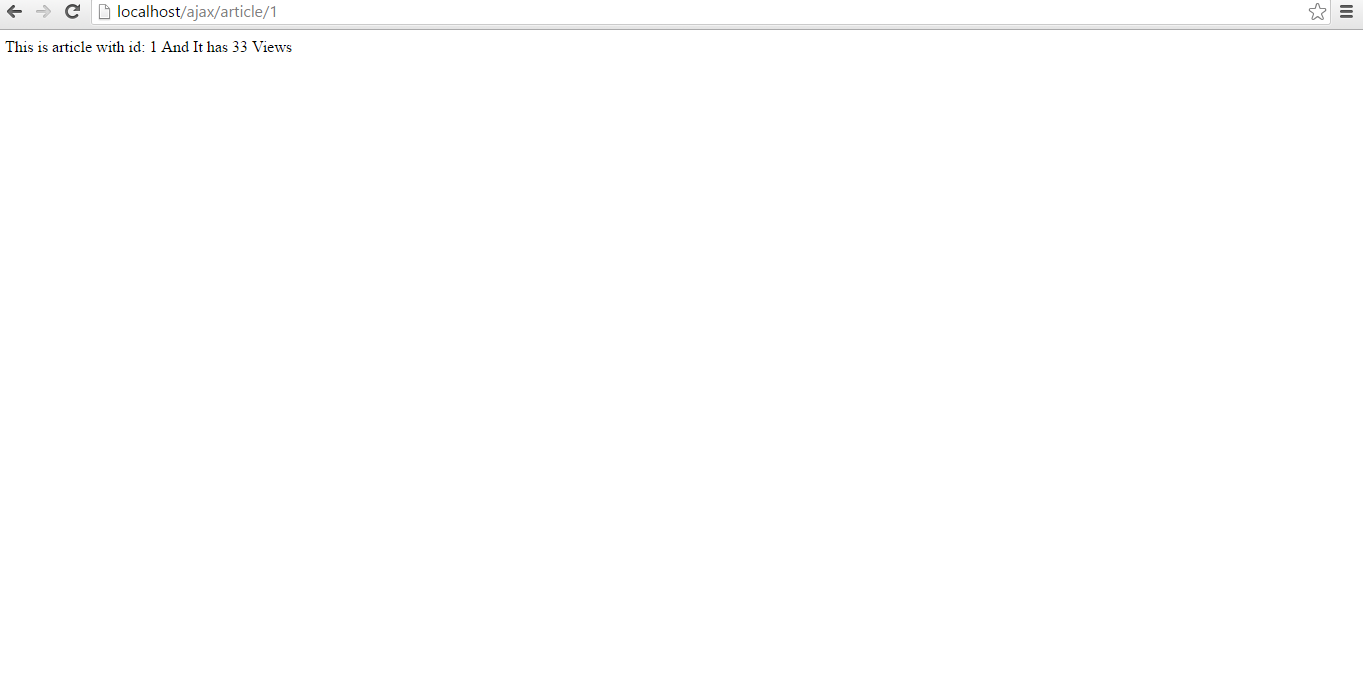
Ok, So that's it for today, Hope you enjoyed the Post. Stay connected with my Blog.
Thank you!
Thursday, June 23, 2016
How to Cache Database Queries in Laravel? | Improve site loading speed using caching

In this session I'm gonna discuss about how you can Cache Database Queries with Redis. First of all you may have asked why Caching Database is needed? The main reason is it's reduce the site loading speed. So while you have low bandwidth also you can easily access the site. It reduces the No of hits in the database, means it won't load the Queries every time from database. So your database will be more secure and site will be optimized. So let's not waste our time and start the session:
1. First of all , install Laravel Debugbar package in our project.

As you see by this debugger you can see No of controllers in that page, No of Queries, No of views, site loading time etc. We'll use this debugger in this tutorial for getting the optimized time it'll take for loading the request.
2. Let's create a controller where we are going to caching the database:
public function userDetails(){$user = Cache::remember('users', 5, function() // cache for 5 minutes{return DB::table('users')->get();});$student = Cache::remember('students', 5, function(){return DB::table('students')->get();});return view('userDetails',compact('user','student'));}
3. Now if we request in routes.php with the view page, in first load we'll see the view page like this:

As you see there are 2 Database Queries after first loading of the page. But when you going to do the second load you'll see the No of Queries become 0 and also site loading times also reduced as it cache the database for 5 Minutes like this:

So That's it for today. Hope you like the tutorial and also implement in your recent project.
Thank you for being with me.
Wednesday, June 1, 2016
PHP Laravel : How to logout a user from all devices using Redis?

Here is a common scenario like after password reset I/Admin want to logout the user from all device except the device which he logged in while password reset or suppose a user have logged in any many device and the admin want to logout from all of the devices for security purpose for certain reason.
In laravel we can finish the task very easy way using Redis. Lets solve the issue with the following steps.
1. First install the Predis package by composer:
In composer.json file add the following line and run update composer in your cmd.
"require": {
......
"predis/predis": "~1.0" ,
......
},
2. Create a Session table in database using the following commands:
2. Create a Session table in database using the following commands:
php artisan session:table
composer dump-autoload
php artisan migrate
3. Then Download Redis in your PC from the below link and install it in your C:// drive in program files folder.
4. After Redis installed run redis-server.exe file means your server is ready. Now if you run your application.
5. Don't forget to change your .env setting for following driver :
CACHE_DRIVER=redis
SESSION_DRIVER=redis
5. Here is a sample controller code I have shared for logged in using Redis as well as logged out.
public function postSignIn(Request $request)
 {
     if (Auth::attempt(['email' => $request['email'], 'password' =>$request['password'] ]) ) {
    //for save session ID I use (when user login )
     $redis = \Redis::connection();
     $userId = Auth::user()->id;
     $redis->sadd('users:sessions:' . $userId,Session::getId());
     return redirect()->route('main');
   }
  return redirect()->back();
 }

 public function getLogout()
 {
   $redis = \Redis::connection();
   $userId=Auth::user()->id;
   //get all session IDs for user
   $userSessions = $redis->smembers('users:sessions:' . $userId);
   $currentSession = Session::getId();
   //for logout from all devices use loop
     foreach ($userSessions as $sessionId) {
       if ($currentSession == $sessionId) {
       continue;
     }
   //for remove sessions ID from array of user sessions (if user logout or manually logout )
   $redis->srem('users:sessions:' . $userId, $sessionId);
   //remove Laravel session (logout user from other device)
   $redis->del('laravel:' . $sessionId);

   }
  Auth::logout();
  return redirect()->route('main');
 }
6. That's it! When a user logged out from a particular device it will automatically kill all the sessions and logged out from other device also.


